Two weeks of agentic coding into a paywalled SaaS category
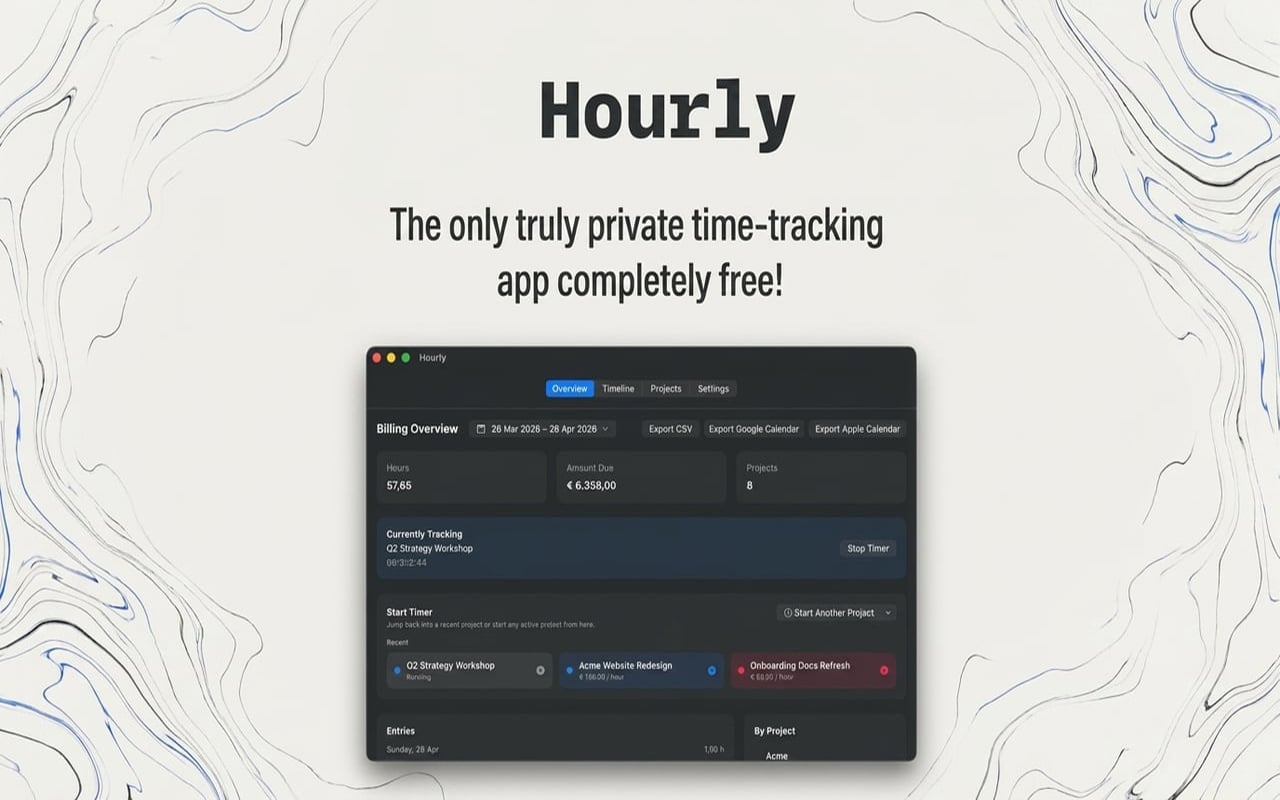
Hourly went live on the Mac App Store today, 6 May 2026, alongside the direct download from this site. It is free, runs entirely on your Mac, does not ask for an account, and does not have a paywall behind any of its features. I built it in roughly two weeks. I had not shipped anything to an Apple platform in eight years before this one.
The bet I am asking the launch to test is simple. Every incumbent in the menu-bar time-tracking category — WorkingHours, Toggl, Timery — sits behind a paywall of some shape. The reason a category like this one is defensible today is not that the software is hard to write; it is that the cost of writing and maintaining it is high enough that whoever holds it can charge for it. Generative-AI tooling has changed that cost structure faster than the SaaS business models on top of those categories have been able to react. Hourly is the cheapest empirical test I could run on whether that change has actually arrived for a small Mac app, or whether it is still further off than it looks from the inside.
I wrote about this framing in the introduction post when the project was still on a roadmap. This is the empirical follow-up to that.
The shape
Hourly is a menu-bar Mac time tracker. You start a timer for a project, the seconds tick in the menu bar, you stop it. Past entries are listed and editable. Date-range filters and CSV export are there. Billing is multi-currency. There is a Pomodoro mode with break overlays and configurable work reminders. Calendar export to Google Calendar and Apple Calendar. Five UI languages — English, Dutch, German, Spanish, French. Launch-at-login.
Storage is local. Everything sits in a single JSON file under ~/Library/Application Support/Hourly/. No account, no sync, no server side, nothing leaves your Mac unless you explicitly export it. Zero runtime dependencies in the build itself; the only frameworks called are Apple’s own.
That feature surface is not an accident, and the next section is about how it got chosen.
How the feature surface got chosen
Before scoping the build I went through what was actually behind the paywalls in the comparable apps on the Mac App Store. The Pomodoro mode, the break overlays, the work-reminder pings, the calendar export — these are all features I saw being used as premium-tier carrots in the paid apps. They are not features I would have prioritised on a vibes-driven feature list of “what does a time tracker need.” They are features I scoped in because the probe needs to be a fair test. “Free time tracker that does less than the paid ones” is a different bet than “free time tracker that matches the paid ones on feature surface.” The bet I want to actually run is the second one.
That research is also the reason the app is small. Latest packaged build is 5.4 MB on disk. The competitor sizes I checked — WorkingHours at 18.1 MB, Toggl at 16.2 MB, Timery at 98 MB — sit higher. Some of that gap is because the competitors carry their account/sync infrastructure on the client side and Hourly does not. Some of it is that there are no third-party Swift dependencies in the build. Either way, the size is part of the lean-build bet, and it is one of the things I will be watching once installs start showing up in the App Store reports.
How I got to a Mac build without Xcode
This is the part of the build I did not have a prior on going in. I work on a MacBook Air, I am short on disk space at the moment, and the prospect of installing the full Xcode bundle to compile a small Swift app was unattractive. I would have done it if I had to, but I would not have liked it.
The agentic coding tools I leaned on during the build proposed an alternative I did not know was viable: a Swift Package plus a few hundred lines of shell scripts, with only the Command Line Tools installed. No Xcode. No simulator. No Interface Builder. swift build and swift test from the terminal, the rest is shell wiring up codesign and notarytool. The dev loop runs out of a text editor.
It took some debugging to make work. Apple’s tooling assumes you are inside Xcode in a few places it does not document, and the test target had to pin the Command Line Tools framework path explicitly so swift test could find XCTest at all. But once it was wired up, the whole thing — build, test, sign, notarize, package — runs end-to-end from the terminal on a machine that has never had Xcode on it. That toolchain is the thing I will carry forward to any future Mac project I start. For a memory-constrained laptop, it was the unlock that made building this app on this hardware tractable in the first place.
I would not have arrived at that toolchain on my own. I would have grumbled and installed Xcode. The fact that an agentic coding tool surfaced the no-Xcode flow as a first-class option is the kind of thing that does not show up in the headline benchmarks of “did the model write the code right” but does show up in the actual productivity of a build like this.
The dual-ship was a mid-build decision
The original plan was direct-download only. No Apple Developer account, no $99 a year, no App Store review process. I was going to notarize through Developer ID, host the .zip on this site, and call it done.
I changed that mid-build. The thesis the launch is meant to test is whether a free local app can move the needle in a category where the incumbents live on the Mac App Store. Avoiding the App Store would have meant the comparison was happening on a surface where the competitors were not. So I paid the $99, registered for an Apple Developer account, set up the App Store Connect side, and added a second packaging script alongside the existing direct-download one. Same source, two output paths. The repository now ships from the same Swift Package to both surfaces.
The direct download stays in the launch, and not as a dev artifact or a fallback. App Store installation requires an Apple ID; direct download does not. There is a real privacy-conscious user — and a user on an account-less machine — for whom that distinction matters. I would have shipped that path either way. The App Store is the addition, not the spine.
What Apple’s review caught
Three review rounds before approval. Apple really does put effort into reviewing apps, and I am happy to commend them for that even with the rejections in the picture.
The first rejection was a real one. The build I submitted crashed on launch on the reviewer’s machine, in a place I had not seen it crash on mine. The smoking gun was in the crash log:
_assertionFailure
static NSBundle.module.getter
AppStrings.bundle(for:)
PomodoroNotifier.requestAuthorizationIfNeeded()
AppModel.init
HourlyApp.init
Bundle.module is the Swift-package mechanism for accessing a package’s resource bundle at runtime. It has a one-time lazy init that fatal-errors if it cannot find the bundle. On a fresh App Store install, it could not find it. On swift run locally, it could. The reason was a packaging mismatch between what swift build -c release produces and what Apple’s signing-and-thinning pipeline accepts: Swift Package Manager produces a nested resource bundle, and Apple’s pipeline treats nested resource bundles inconsistently enough that the inner one cannot reliably be loaded back at runtime. Flat layout — what every Mac app has shipped for decades — survives the pipeline untouched.
The fix was four lines in the packaging script that flatten the SwiftPM-shaped resource bundle into the app’s Contents/Resources/ before code signing. The companion change is on the read side: the bundle resolver tries the flat layout first now, and falls back to the nested layout only when the app is running under swift run. That divergence between dev and ship is the thing I would not have caught locally because the local pipeline is exactly the one that hides the failure. Apple’s reviewer caught it because Apple’s reviewer runs the ship pipeline. I am glad it crashed on Apple’s machine and not on a user’s.
The second rejection was the funny one. Apple would not let me use the phrases “No paywall” or “No annoying IAP” in the App Store listing’s screenshot copy. The platform that monetises through paywalls and in-app purchases will not let you advertise the absence of them on its store. I am writing that as a flat statement because the irony is the joke; I do not need to dress it up. The metadata went back in without that copy, and the rejection itself is roughly the cleanest version of the thesis I could have asked for, played out as a piece of the launch process.
The third was a clarification more than a rejection — Apple wanted a justification for a server entitlement the app requested. I wrote it up, sent it back, and that round closed.
Total review window was about a week.
Honest caveats
The pre-launch user base is one person. Me. I have been using the app on a freelance project I was tracking billable hours on — needing the tool, looking at the Mac App Store, finding nothing free that did the job, and writing the thing rather than paying the toll. There is no TestFlight cohort, no Hacker News post, no forum thread. The launch is the start of the feedback loop, not the end of one. Plan from here is to send it to a small handful of friends I know will use it for a week and give me real feedback toward the next version.
The eight-year gap before this build is real. The last Apple-platform thing I shipped was in a different context entirely. Coming back to it cold and getting to a working menu-bar app in two weeks is not a story I would have been able to tell on a previous iteration of the toolchain. The agentic coding tools I used during the build are doing more of the lifting than would be honest to leave out — particularly on the Apple-specific incantations that block you for a day and a half each when you are out of practice. I wrote about that more generally in the adoption-gap post; Hourly is the concrete instance of it.
I am going to be a little embarrassed if Hourly turns out to have a glaring bug a real user finds in the first week. The repository has a test suite, the suite passes, but a one-user pre-launch is exactly the situation where the thing you forgot to test is the thing the second user trips on. I would rather be told than not.
The $99-a-year Apple Developer fee is the only recurring cost I am quietly bitter about, and there is no clean way to recover it while keeping the app free. A donation link inside the app itself is unlikely to get past Apple’s rules. I will probably leave that one alone and treat it as the cost of the experiment.
Where it sits now and what comes next
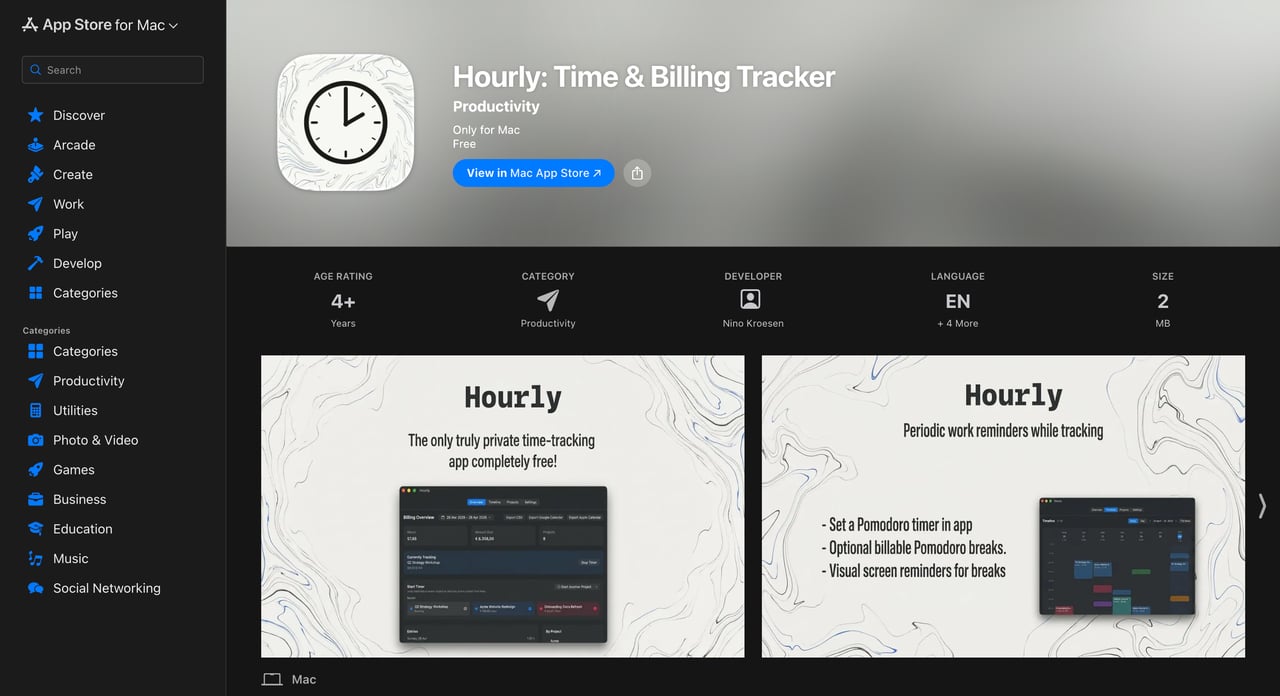
Hourly is live on the Mac App Store and as a direct download from this site. The bundle ID is com.ninokroesen.hourly if you want to verify it is actually the app I am writing about and not someone else’s listing.
What I am going to do next is wait and watch. The two branches I have already drawn for myself:
-
If installs through the App Store materially move — meaning, a free no-account local app can pull users in a category where the incumbents charge — the thesis lands. In that case I am considering open-sourcing the project. The community would be welcome to contribute, the app is genuinely bare-bones at the moment, and an open repo is the natural shape for a tool like this. There is real cleanup work between the current working copy and a publishable repository, and that gates how soon it could happen.
-
If installs flatline — meaning, the convenience of an account-backed paid app with sync and a polished marketing site outweighs the price advantage of a free local one — the thesis does not land for this category. In that case I would not put the additional work into open-sourcing. The app would stay hosted on this site for the people who find it and quietly run on the App Store until either Apple or I deprecate it. No active write-off; the artifact just sits.
If you are a Mac user who tracks billable hours, the install is one click from the project page. If you find a bug or want a feature the app does not have, the support page is the route. Friends I know are going to pull it down for me will not be the only test set; readers of this post are very much part of the test set the launch is here to gather.
The part that would generalise
The toolchain bet is the one I would carry into any future Mac project I start. Swift Package + Command Line Tools + a few hundred lines of shell — no Xcode in the loop unless I genuinely want a SwiftUI preview or a simulator run, and most of the time I do not. The whole project is text-files and version-controllable from the start, the dev loop sits in whatever editor I happen to be using, and the build pipeline is auditable end-to-end without leaving the terminal. The cost is that you do not get the few things Xcode is genuinely good at, and you find out about Apple’s hidden Xcode-assumes-itself dependencies the hard way. But once those are dealt with, the result is a Mac build that fits the same shape as a build for anything else.
The other thing I am taking forward is less a toolchain and more a discipline. When you are testing a thesis empirically, the cost of running the test honestly is what determines whether you actually run it. If Hourly had needed to ship as a polished SaaS to test the SaaS-vs-free-local question, I would have rolled my eyes and not run the test, and the thesis would have stayed an opinion. Two weeks of build time, $99 in fees, no marketing, no growth team — that is small enough that I actually pulled the trigger. Most of my opinions are still opinions because I have not figured out a cheap enough version of the test for them. The ones that turn into projects are the ones I have.
Related reading
-
A diamond painting shop the code could not save
I built a custom Node webshop for personalized diamond paintings, sold one canvas, and shut it down inside a month. The supplier was the bottleneck.
-
The adoption gap
I changed my mind about agentic coding loops. Most of my work this year was built next to one — and the honest read on what it lifts and what it leaves behind.
-
An agent built around not calling the LLM
A personal agent built so the default question every tick is whether the model needs to be called, and an architecture where the answer is usually no.